
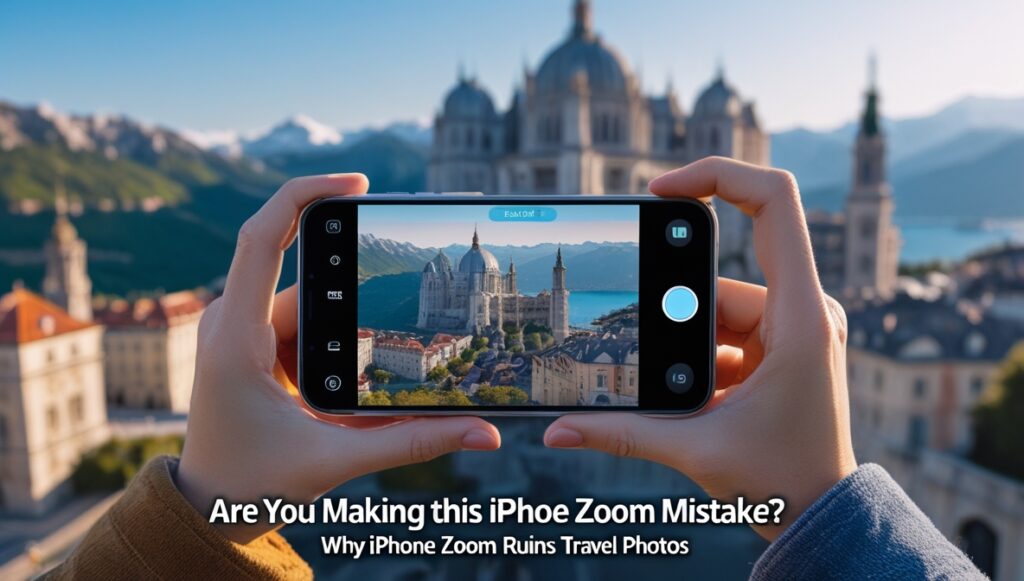
Why You Should Think Twice Before Using the Zoom on Your iPhone
I started using the iPhone 15 Pro Max about a year ago, mainly for photography during travel.
Coming from a DSLR background, I was honestly amazed.
The results were impressive.
Great colors.
Excellent dynamic range.
Faces always looked bright and clear, even when the light source was behind the subject.
For a smartphone, it felt magical.
But at the same time, I noticed something strange.
The results were not consistent.
Sometimes the photos looked stunning.
Sometimes they looked just “okay okay”.
That made me curious.
iPhone vs DSLR – Let’s Be Honest First
Let’s clear one thing upfront.
An iPhone camera can never truly match a DSLR or mirrorless camera with:
- APS-C (often wrongly called 1-inch)
- Or full-frame sensors
The reason is simple: sensor size and optics.
A DSLR captures:
- More real light
- More natural depth
- More detail for large screens
When I viewed iPhone photos on a mobile screen, they looked wonderful.
But when I compared them with my DSLR photos on a big screen, the difference was obvious.
And that is expected.
Yet, for travel, convenience matters.
And this is where the iPhone shines.
But only if you avoid one big mistake.
The Hidden Problem: Zoom on iPhone 📱
Most iPhone users do this.
Even experienced users.
👉 They use the zoom function without thinking.
And this is where quality and consistency break.
Why Zoom Changes Everything on iPhone
The iPhone 15 Pro Max does not have one camera.
It has:
- A main wide camera (1×) with the largest sensor
- A telephoto camera (5×) with a smaller sensor
- Ultra-wide for 0.5×
When you zoom, three things happen:
1️⃣ Camera switches physically
At 1×, you get the best sensor.
At 5×, the phone switches to a different camera with:
- Smaller sensor
- Less light
- More noise in low light
Between 2× and 4×, it is often digital or hybrid zoom.
2️⃣ Heavy AI and software processing starts
Zoomed photos rely more on:
- Cropping
- AI upscaling
- Aggressive sharpening
- Noise reduction
The image may look sharp.
But it loses natural texture.
Faces can look:
- Over-processed
- Flat
- Artificial
3️⃣ Perspective changes (this is physics)
Zoom compresses distance.
Background looks closer.
Faces look flatter.
Travel photos lose depth and drama.
This is not software.
This is optics.
Why This Matters for Travel Photography 🌍
Travel photography is about:
- You + people
- You + location
- Emotions + environment
Most people zoom in to:
- Make faces bigger
- Reduce background clutter
- “Get closer”
But with iPhone, this often backfires.
Common Zoom Mistakes Most Travelers Make
❌ Zooming for group photos
❌ Zooming in low light
❌ Zooming for selfies with background
❌ Zooming thinking “more zoom = better photo”
These are the exact situations where iPhone struggles.
The Right Way to Use iPhone for Travel Photos ✅
Here is the expert DSLR mindset adapted for iPhone.
✔ Stay at 1× whenever possible
This uses:
- The best sensor
- Best dynamic range
- Natural colors
Step back physically instead of zooming.
✔ Use 2× only in good daylight
2× is a crop from the 48 MP sensor.
It is acceptable in bright conditions.
Avoid it indoors or at night.
✔ Avoid zoom for people + background shots
For:
- Family photos
- Couple photos
- Portraits with landmarks
Use 1× and move closer.
You will get:
- Better skin tones
- Better background depth
- More natural look
✔ Use 5× only for distant subjects
5× is great for:
- Mountains
- Wildlife
- Architecture details
Not ideal for people.
✔ Remember: Mobile screen hides flaws
Zoomed photos look fine on the phone.
But when viewed on:
- Laptop
- TV
- Large monitor
The loss of quality becomes obvious.
Why iPhone Photos Still Feel “Good”
Apple deserves credit here.
The iPhone produces:
- Excellent HDR
- Bright faces
- Balanced exposure
Even against the light, faces remain visible.
That is computational photography at its best.
But software can only do so much.
Zoom pushes it to its limits.
Final Thought: Are You Doing the Same Mistake?
If you ever felt:
“Why does this photo look amazing sometimes and average other times?”
Now you know the answer.
It is not your skill.
It is not the location.
👉 It is the zoom.
For travel lovers, families, and everyday creators:
- Treat your iPhone like a fixed-lens camera
- Move your body, not the zoom slider
- Use zoom only when truly needed
Do this, and your iPhone 15 Pro Max will give you its best possible results.